QUIZ Application
INTRODUCTION
INTRODUCTION Online Quiz Are A Fantastic Way To Engage Users, Gather Feedback, Or Simply Test Knowledge. In This Blog Post, You’ll be Walk Through Creating A Responsive Quiz App Using Html, Css, And Javascript. Additionally, We'll Explore How You Can Monetize Your App With Affiliate Links From Platforms Like Amazon, Ebay, And More.
Start Your Software Development Journey With Html, Css & Javascript
HTML -
Gives structure to content—think of it as the skeleton of a webpage
CSS -
Adds style, making your content visually appealing and responsive
JAVASCRIPT -
Brings your page to life, handling interactivity, logic and dynamic content
These three technologies form the foundation of nearly every modern website and app. Mastering them gives you the power to build real-world projects, from quizzes and portfolios to full-blown web applications. Start small, stay consistent, and build as you learn—your future in tech starts here!
Front-End Developer Roadmap : HTML, CSS & JavaScript
HTML ( Structure )
Understand tags, elements, and attributes
Create headings, paragraphs, links, lists, images, and forms
Use semantic HTML ( < header >, < footer >, < article >, etc.)
CSS ( Styling )
Learn selectors, colors, fonts, margins, padding
Master box model, positioning, flexbox, and grid
Responsive design with media queries
JAVASCRIPT ( Behavior )
Variables, data types, functions, loops, and conditionals
DOM manipulation
Event listeners
Basic form validation
PHASE 2 : Practice – Build Real Projects
Suggested Projects :
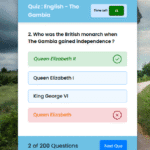
Quiz App (like the one below)
To-Do List
Calculator
Weather App using an API
Portfolio Website
👉 Tip : Deploy your projects with GitHub Pages or Netlify
PHASE 3 : Expand – Learn Tools and Frameworks
Version Control
Learn Git & use GitHub to store your code.
Package Managers
Basics of npm (Node Package Manager)
Frameworks/Libraries (Optional but powerful)
JavaScript : Learn React (great for jobs)
CSS : Try Tailwind CSS or Bootstrap
PHASE 4 : Get Job-Ready
Build a Portfolio
Host 3–5 solid projects
Include descriptions, tech used, and links to GitHub repos
Learn Soft Skills
Debugging
Communication
Time management
Apply for Jobs or Freelance
Frontend Developer
Junior Web Developer
Freelance Website Builder
Keep Learning!
Explore APIs, advanced JS concepts (Promises, async/await)
Learn accessibility and performance best practices
Consider moving into backend development (Node.js, databases) later
Recommended Free Resources
👉 : Tip : Don't wait to be "Perfect" - build and break things. Learning happens when you code consistently and solve real problems.
Build Your First QUIZ APPLICATION Project
TECHNIQUES USED
HTML – for the structure of the quiz
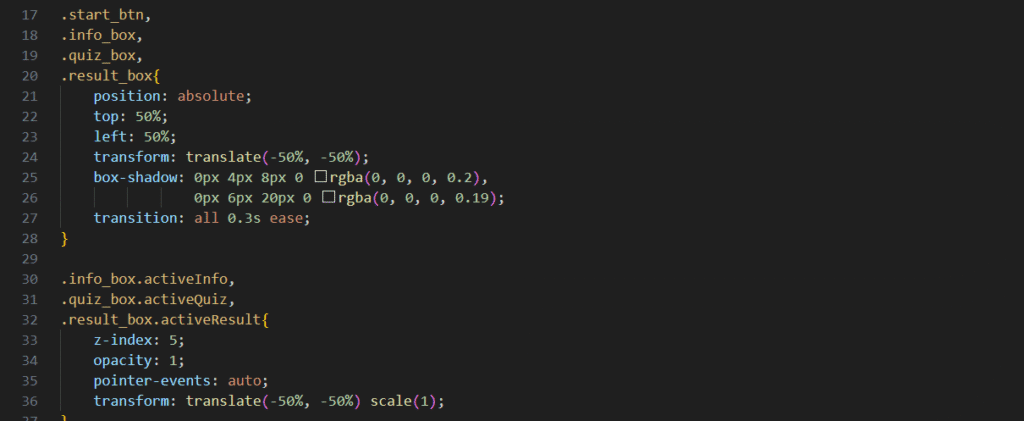
CSS – to style and make it visually appealing
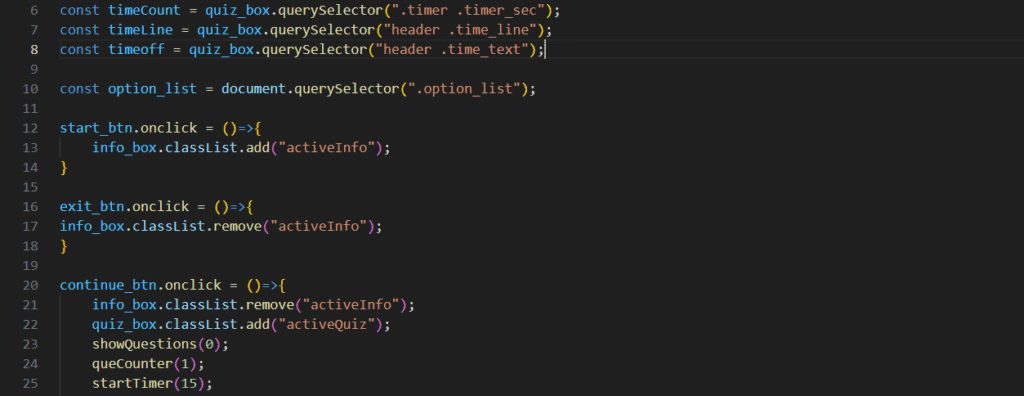
JavaScript – for logic, interactivity, and scoring
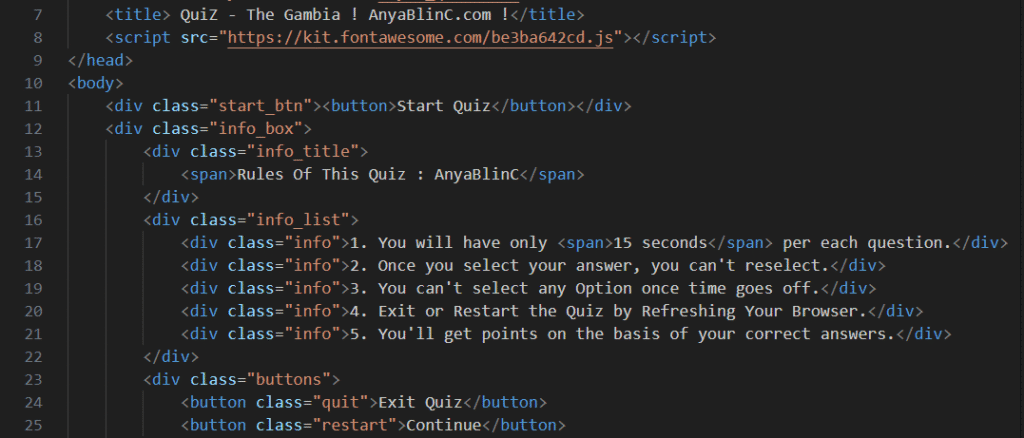
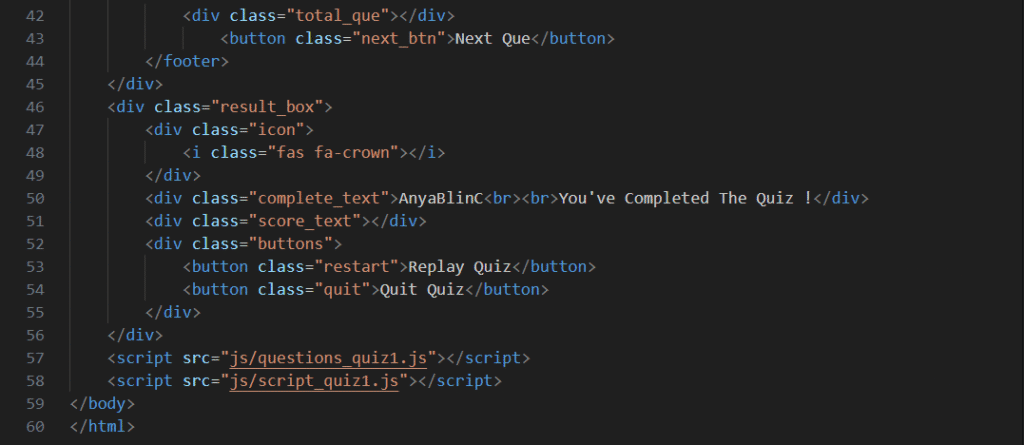
1. HTML : The Structure
Start with a basic layout :
Monetize With Affiliate Marketing
A great way to earn passive income from your app is by integrating affiliate links. Here are a few affiliate ideas based on quiz results or topics:
Niche Ideas For Affiliate Pairing :
1. Tech Quiz
Link to Amazon or eBay listings for tech gadgets.
Best JavaScript books from Amazon.
- Amazon Affiliate Program
- eBay Partner Network
2. Coding Courses
Promote platforms like Udemy, Coursera, IIHT (The Gambia) or Pluralsight.
3. Books Recommendations
- Score 0 – 50% : Try This Biginner`s Guide To HTML / CSS
- Score 80 – 100% : “ Advanced JavaScript Book ”
4. Online Tools
Promote domain registration, hosting, or code tools:
Bonus : Make It Shareable
Add social sharing buttons so users can share their scores, increasing visibility and clicks on affiliate links.
Conclusion
Building a QUIZ App is a rewarding project to learn the basics of frontend development. Pairing it with affiliate marketing can turn your educational tool into a monetizable side project.
Whether you’re promoting a coding book/s on Amazon or gadgets on eBay, with the right targeting, you can grow both your audience and income.