From Web To Native
How I Built ScrambleWord_TheGambia and Why Android Studio Was the Real Game Changer
From Web Prototype To Professional Play Store Release
How I Built ScrambleWord_TheGambia and Why Android Studio Was the Real Game Changer
Why I Chose to Build Android App HTML Projects Natively
When you build Android app HTML versions into native code, you unlock better performance for your users
Welcome to the Anyablinc Developer Blog! If you want to build Android app HTML projects that feel professional and native, you’ve come to the right place. Our latest project, ScrambleWord_TheGambia, started as a web prototype but was transformed into a high-performance game using Android Studio Panda 2.
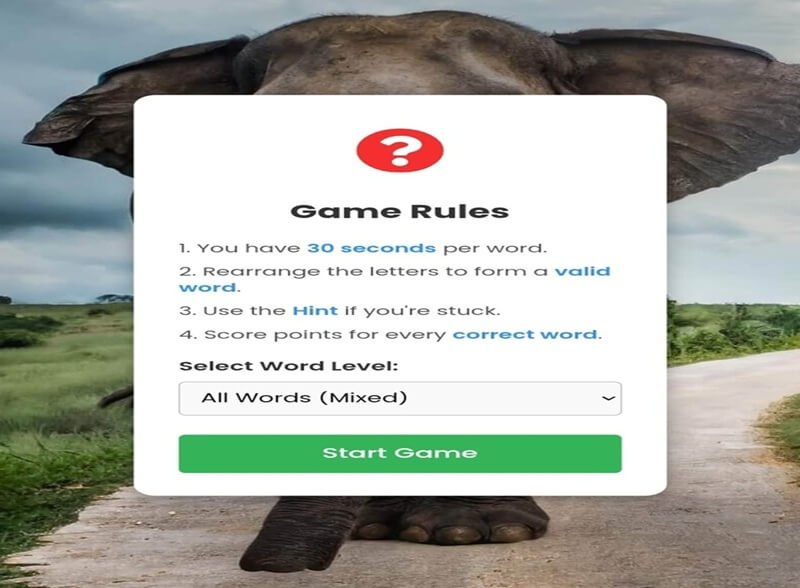
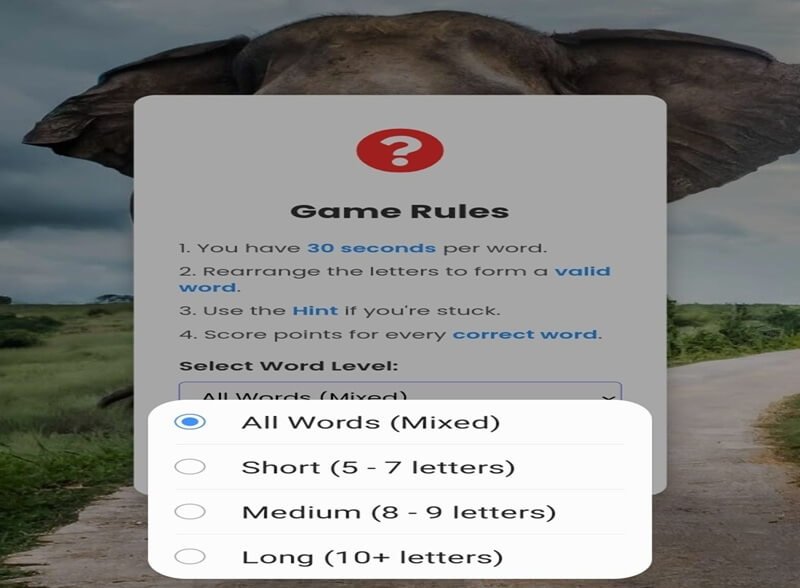
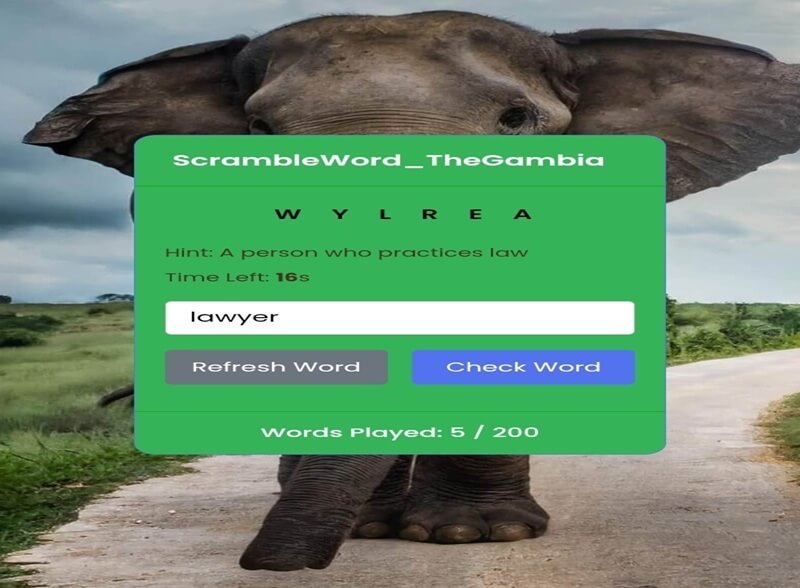
If you’ve been following our journey at Anyablinc, you now know that our mission is to build digital tools that celebrate Gambian culture. Furthermore, we are committed to advancing STEM education. Our latest project, ScrambleWord_TheGambia, is a word puzzle game where players unscramble letters to discover vocabulary inspired by the Smiling Coast.
Today, I want to share a deeply personal and technical story. Specifically, I want to explain how I built this app twice, and why the transition from web technologies to native Android app development was a revolution for my workflow
The Initial Prototype: Web App Development with HTML, CSS, and JavaScript
Like many developers, I am comfortable with the standard web stack. The initial concept for ScrambleWord_TheGambia was built entirely externally using:
- HTML: Defining the document structure.
- CSS: Styling the game with the vibrant, Iconic Anyablinc colors.
- JavaScript: The ‘brain’ of the app that randomized words and validated input.
Why Web Wrappers Weren’t Enough
This approach was excellent for prototyping. The game worked and ran in a browser. However, my ultimate goal was to build Android app HTML logic into a professional, smooth, and accessible application on the Google Play Store.
In addition, my initial attempts to use “web wrappers” (like Cordova) felt like a compromise. Consequently, the performance was sluggish on entry-level Android devices common in The Gambia. I soon realized that managing hardware permissions was a constant headache. Therefore, I knew I needed to go native.
The Transformation: Moving to Native Android Studio (Panda 2)
When I finally pivoted to Native Android Development and opened Android Studio Panda 2, the difference was immediate. Many web developers feel intimidated by Java or Kotlin. Nevertheless, the visual tools and optimization features in Android Studio streamlined the process in ways I didn’t expect.
Here is why Android Studio made the transition from web development so easy:
Visual Layout Editor: Replacing CSS with XML
Instead of guessing CSS values, the Android Layout Editor allowed me to visually design my game screen. Moreover, ConstraintLayout made it simple to ensure that the game looked perfect across hundreds of different device sizes. Managing assets like icons and custom fonts is also far superior to the fragmented approach in web development.
Native Performance And Build Optimization (R8/Gradle)
Android Studio uses Gradle, a powerful build automation tool. While it may seem complex at first, Gradle handles all your dependencies automatically. Crucially, Android Studio utilizes R8 for app optimization. This tool automatically shrinks and optimizes your code. As a result, the final app’s file size was dramatically reduced. This optimization is critical for users who may have limited data.
Real-Time Debugging And Profiling
The native debugging tools were my biggest win. Instead of looking at vague browser consoles, I had Logcat and the Android Profiler. By using these, I could watch memory usage and CPU load in real-time. This allowed me to optimize ScrambleWord_TheGambia for smooth performance on older hardware.
Step-by-Step: Why I Chose to Build Android App HTML Projects Natively
If you are a web developer looking to build Android app HTML solutions, here is the simplified breakdown of how ScrambleWord was converted:
Step 1: The Data Layer (JSON to Objects) I repurposed my JavaScript JSON word list. In Android, I used the Gson library to automatically parse that JSON data into Java or Kotlin data objects.
Step 2: The ViewModel and UI Logic Following this, I created a ViewModel that holds the current game state. This native component handles randomizing the word list and checking the player’s input via LiveData.
Step 3: The Scramble And Definition UI I used simple native TextViews for the word and hint. In a future update, I plan to utilize the native OnDragListener to create drag-and-drop letter tiles. This is a feature that is much easier to implement natively.
The Final Mile: Preparing and Publishing To The Google Play Store
Once the native app was stable, the final hurdle was app publishing. In this phase, Android Studio proved essential.
- Generate Signed Bundle (.aab): I used the built-in wizard to create a safe, digital Keystore and sign my final Android App Bundle.
- Play Console Metadata And SEO: We curated the final listing in the Google Play Console. Specifically, we focused on the Feature Graphic, descriptions, and Categories.
Final Thoughts: Stay Native, Stay Smooth
Starting ScrambleWord_TheGambia with HTML and JavaScript gave me a solid prototype. But eventually, moving to Android Studio was the decision that made it a real, professional product. The visual tools and the native performance transformed a conceptual game into an educational app we are proud of.
If you want to build Android app HTML projects that stand out, do not be afraid of native development. The initial learning curve exists. However, the payoff—a smooth, scalable, and optimized product—is worth every second.
ScrambleWord_TheGambia is just a sample of apps from AnyaBlinC. In fact, more of its kind are on the way to support STEM Education in The Gambia.
Can You Unscramble The Smiling Coast?
Download ScrambleWord_TheGambia today: 👇